Smartphone Photography Tips – Make Your Photos Live
-
 Gineesh Madapparambath
- Technology, Travel
- October 4, 2016
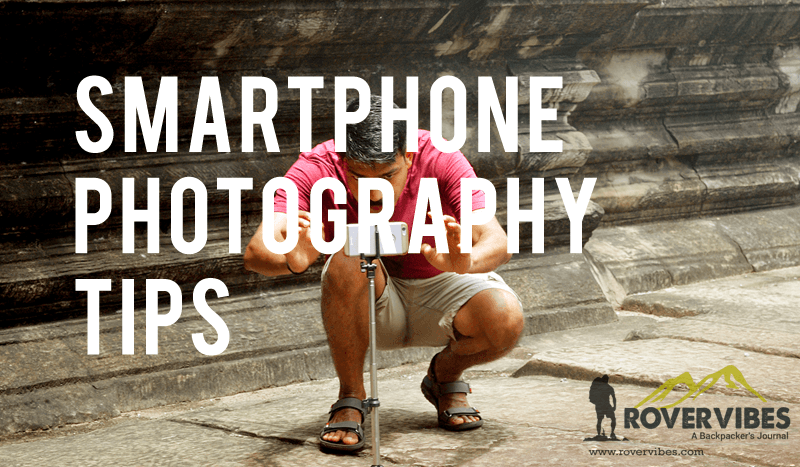
I am not a professional photographer, but I want to be :). As DSLR cameras are so cheap and available to everyone nowadays, all those DSLR owners always pretend to be a “professional photographer”, but not. We can see still people –exclude those serious travel photographers– use their smartphone camera for taking pictures while traveling; because it is easy to carry and handle. Thanks to technology as we have superb cameras in smartphones now, even some smartphones got 10px front cameras. So, sharing some simple tips for taking photos using your smartphone camera; especially while traveling.
Take a lot of pictures
As this is digital age, nothing to worry about films and always take plenty of pictures. Fire multiple shots for each scene and choose the best later. And remember to take snaps from multiple angles, wide or close-ups.
Use burst mode if available
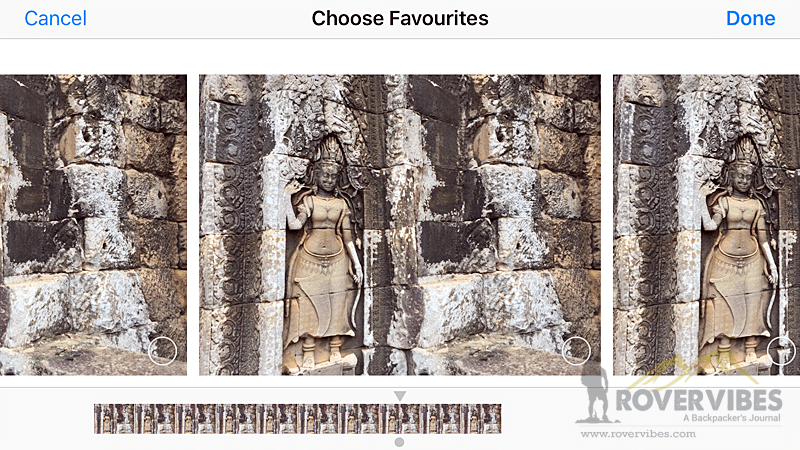
Burst mode will help you take cool snaps especially when the object is moving. Also helpful as sometimes you can choose the best frame out of 10 frames.
Use flash wisely
We all know flashlight on smartphone cameras are not good enough and not much manageable. Most of the time using flash will blow out the frame and photos wont be usable. So a friend with Smartphone is the best solution; use his flashlight, make your frame study in terms of light, shoot with your camera 🙂
Use Camera Grids
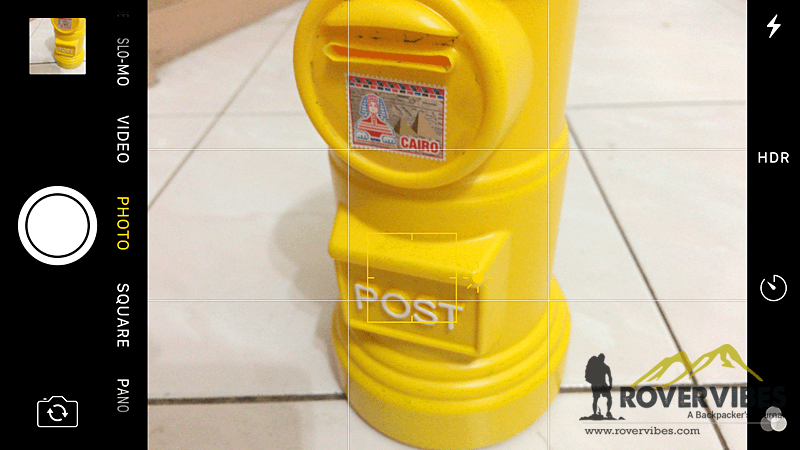
Use of grids while taking photos are great help in terms of alignment; you can save time on cropping and adjusting the angle. Also do read about Rule of Thirds.
Use High Resolution
Always set highest resolution available on your smartphone. More higher resolution means better clarity for your images.
Always wait for that moment
Learn how to quickly open Camera app on your smartphone as some moments will not wait for you. eg: on iOS 10, swiping to left will open the Camera App.
Do not Zoom
All cameras (exclude smartphones with Dual cameras) are coming with Digital zoom and by zooming you are re-sampling the pixels. Better go closer as much as possible and take photos; crop it later.
Do not use filter
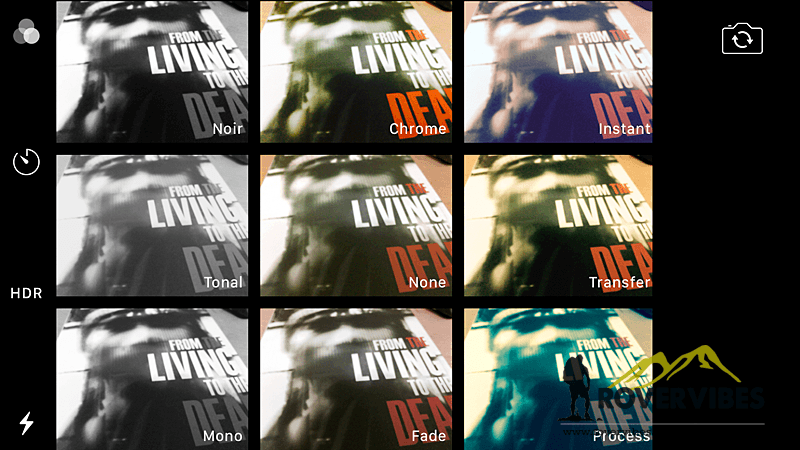
By using filter, you are spoiling your raw image. Take normal pictures and edit using any app like Photoshop Express, or SnapSeed.
Always use Back Camera/Main Camera
Front cameras are made for selfie snaps, and wont useful for better photos. Even with a Tripod Selfie stick you can use your back camera for taking selfies 🙂
Use better Camera Apps
If you are feeling that your default smarphone camera app is not satisfying you, use better but usefull camera apps. There are plenty of free camera apps in store and try better one.
Use a Selfie Stick with Tripod
Those are so handy and easy to carry (Not like heavy DSLR Tripods). You will see the difference soon after you use this accessory by getting shake-free and stabilized images. Also easy for taking group photos while traveling 🙂

Enable GeoTagging
Enable GeoTagging on your smartphone or DSLR while taking pictures; this will help you to identify the exact place where you took the photo.
Gineesh Madapparambath
Gineesh Madapparambath is the founder of techbeatly. He is the co-author of The Kubernetes Bible, Second Edition and the author of Ansible for Real Life Automation. He has worked as a Systems Engineer, Automation Specialist, and content author. His primary focus is on Ansible Automation, Containerisation (OpenShift & Kubernetes), and Infrastructure as Code (Terraform). (Read more: iamgini.com)
Note
Disclaimer: The views expressed and the content shared in all published articles on this website are solely those of the respective authors, and they do not necessarily reflect the views of the author’s employer or the platform. We strive to ensure the accuracy and validity of the content published on our website. However, we cannot guarantee the absolute correctness or completeness of the information provided. It is the responsibility of the readers and users of this website to verify the accuracy and appropriateness of any information or opinions expressed within the articles. If you come across any content that you believe to be incorrect or invalid, please contact us immediately so that we can address the issue promptly.